ErgoFoundry is reader-supported. When you buy through our links, we may earn a commission at no extra cost to you. We test and research every product we recommend.
The $500 Home Office Reality Check
Five hundred dollars. That's the number most people land on when they Google "home office setup" — enough to feel like you should get something decent, not enough to stop worrying about compromises.
Here's the honest answer: you can build a fully functional ergonomic home office for $500 in 2026. It won't look like an Instagram setup. It won't have a Herman Miller chair. But it will support your body through an 8-hour workday, let you stand when you want to, and position your screens at the right height. That's what actually matters.
The key is knowing where to spend and where to save. Most people get it backward — they blow $350 on a desk and buy a $60 chair. That's like buying a nice bed frame and sleeping on a $20 mattress. The chair touches your body for 6-10 hours a day. The desk holds your stuff. Prioritize accordingly.
Below, I've built three complete setups at three price points within the $500 ceiling. Every price is based on actual Amazon and retailer listings as of April 2026. Every setup adds up within $5 of its stated total. No aspirational math, no "well if you find a sale" hand-waving.
The 3 Non-Negotiables
Before we get into the shopping lists, here's what you absolutely cannot skip:
- A decent chair. Not luxury. Decent. Something with adjustable height, some lumbar support, and a seat that doesn't go flat after 3 months. Budget $80 minimum.
- A desk that fits. Right height for your body, enough surface for your equipment. Doesn't need motors — a fixed-height desk at the right height beats a motorized desk that's too low.
- Proper screen height. The top of your monitor should be at or slightly below eye level. If you're looking down at a laptop screen for 8 hours, your neck will let you know. A monitor riser costs $25. A monitor arm costs $35. Skipping this saves $30 and costs you months of neck pain.
Everything else — cable management, anti-fatigue mat, desk lamp, plants — is secondary. Nice to have, but secondary. Get the core three right first.
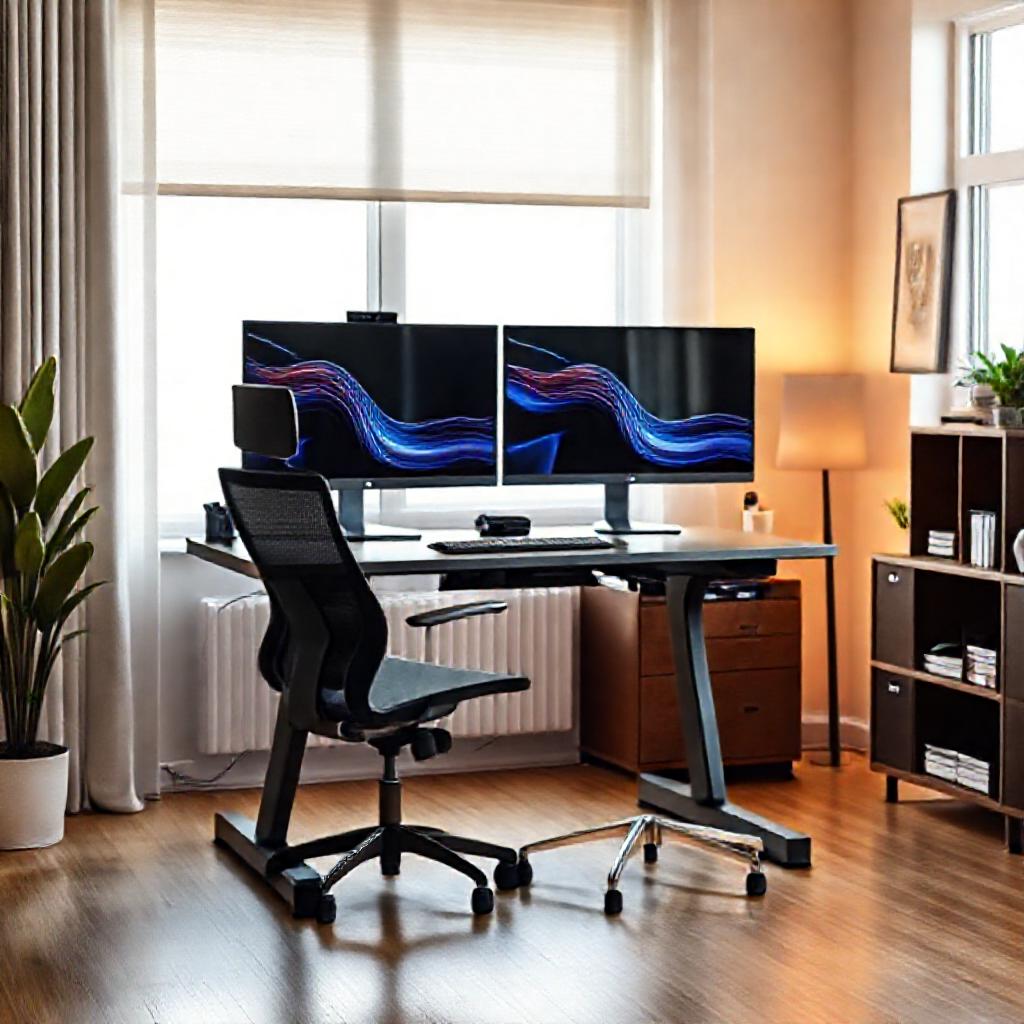
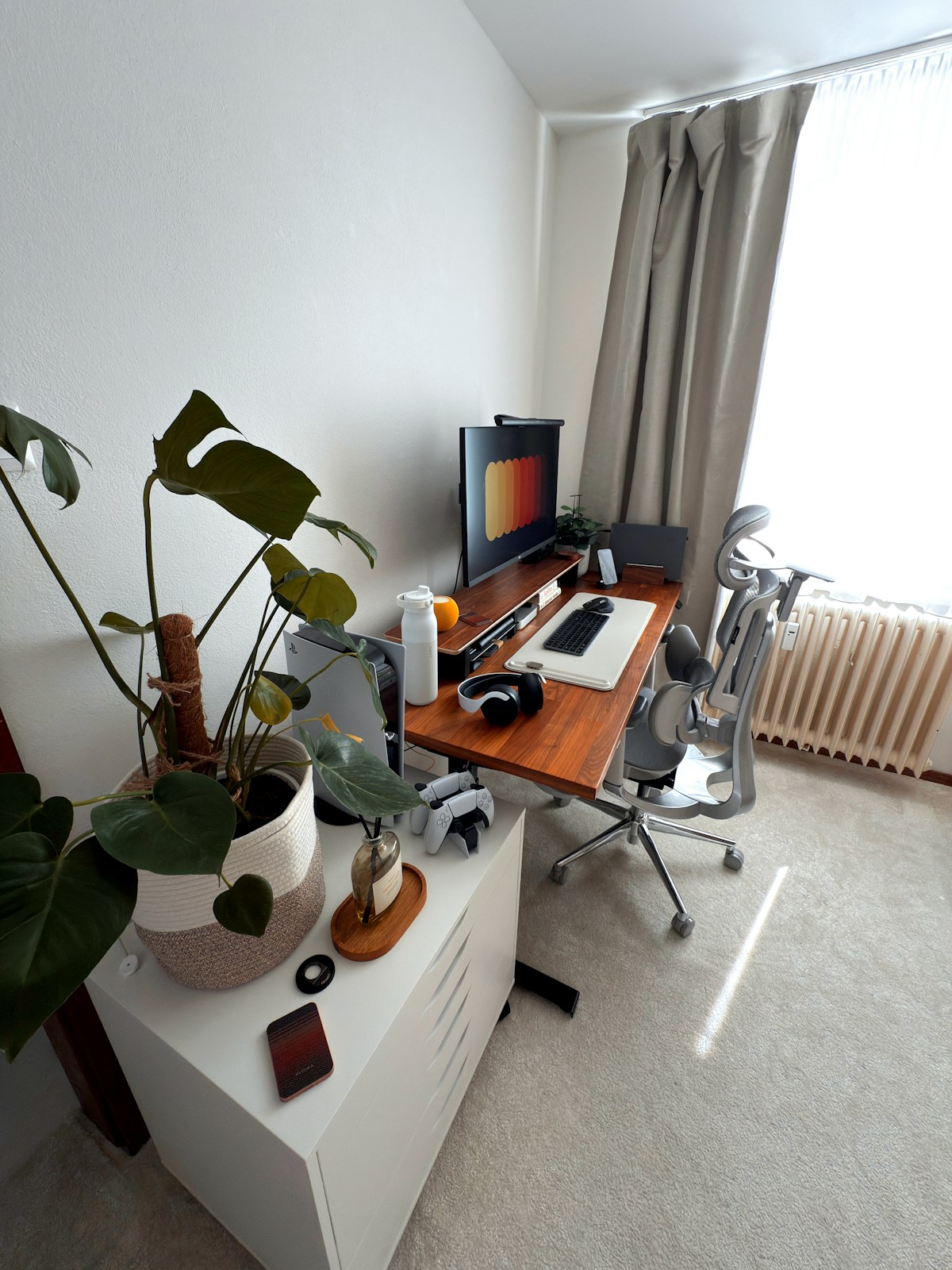
3 Complete Setups: $320, $480, and $500
Tier 1 — The Bare Minimum ($320 total)
This is the "I just got told I'm working from home starting Monday" setup. Everything is functional. Nothing is impressive. But it covers the non-negotiables and buys you time to upgrade later.
| Item | Product | Price |
|---|---|---|
| Desk | IKEA Linnmon / Adils (47"×24") or SHW Electric | $90–180 |
| Chair | Amazon Basics Ergonomic Mesh Chair | ~$90 |
| Monitor riser | SimpleHouseware Monitor Stand | ~$25 |
| Desk lamp | Basic LED desk lamp with clamp | ~$15 |
| Cable ties | Reusable velcro cable ties (50-pack) | ~$8 |
| TOTAL | ~$318 |
The desk choice: You have two routes here. Route A: the IKEA Linnmon/Adils combo — a fixed-height desk for about $90. It's particle board, it's basic, and it will develop a dip where your forearms rest within 2-3 years. But it's $90, it's the right height, and it leaves you $230 for a better chair. Route B: the SHW Electric (~$180) gives you sit-stand capability but eats into the chair budget. For Tier 1, I'd go Route A — take the fixed desk, put the savings into the chair. The standing desk can come later.
The chair: The Amazon Basics Ergonomic Mesh Chair (~$90) is the cheapest chair I can recommend in good conscience. Mesh back (doesn't get hot), adjustable height, flip-up armrests, and a lumbar support curve. It's not plush and the armrests are basic, but the fundamentals are correct. It's rated to 275 lbs and the gas cylinder holds up better than most sub-$100 chairs.
Who this is for: Temporary setups, students, anyone whose alternative is the kitchen table and a dining chair. It's the difference between "I can work from home without physical pain" and "my back is destroyed after two weeks."
What you're giving up: No sit-stand capability (with the IKEA desk route). No monitor arm — the riser lifts your screen but doesn't free up desk space. The chair is adequate, not good. You'll want to upgrade it within a year if you're working full-time.
Tier 2 — The Sweet Spot ($480 total)
This is where most remote workers should land. Everything here is genuinely good — not "good for the price," just good. The chair supports you properly. The desk goes up and down. The monitor arm frees up usable desk space. The anti-fatigue mat makes standing actually comfortable.
| Item | Product | Price |
|---|---|---|
| Desk | Fezibo Single Motor (48" or 55") | ~$200 |
| Chair | Hbada E3 Ergonomic Office Chair | ~$150 |
| Monitor arm | VIVO Single Gas-Spring Monitor Arm | ~$35 |
| Anti-fatigue mat | Gorilla Grip Original (24"×36") | ~$37 |
| Cable management | Under-desk cable tray + velcro ties | ~$20 |
| Power strip | Belkin 12-outlet surge protector (8-ft cord) | ~$25 |
| Desk pad | Basic felt or PU leather desk pad (36"×17") | ~$13 |
| TOTAL | ~$480 |
The desk: The Fezibo Single Motor at $200 is the best value standing desk under $220, as covered in our full buyer's guide. It includes a built-in cable management tray (huge plus at this price), holds 176 lbs, and comes in 48" or 55" widths. The single motor means some wobble at full standing height, but with a single monitor on an arm it's completely manageable. The 55" version is worth the small premium if you use dual monitors.
The chair: The Hbada E3 (~$150) is the sweet-spot ergonomic chair. Adjustable lumbar support (height and depth), 3D armrests (up/down, forward/back, rotate), mesh back, and a decent foam seat. The headrest is height-adjustable. It's not a Steelcase Leap — the mesh will eventually sag, the armrests wiggle a bit, and the foam seat will compress noticeably after 2-3 years of full-time use. But for $150 new, it's the best ergonomic chair in its class. Weight capacity is 300 lbs.
The monitor arm: The VIVO Single Gas-Spring Arm (~$35) is the budget monitor arm that doesn't droop. It holds monitors up to 27" and 22 lbs, has a gas-spring mechanism (not friction — gas springs hold position better), and includes both C-clamp and grommet mounts. The cable management channels in the arm are a nice touch.
Who this is for: Most remote workers. This setup supports 8-hour workdays comfortably, lets you alternate between sitting and standing, and doesn't have any genuine "this needs replacing immediately" weak spots. You could work from this setup for 2-3 years before feeling the need to upgrade anything.
What you're giving up: Dual-motor desk stability. A premium chair. A larger anti-fatigue mat (the Gorilla Grip at 24"×36" is the minimum viable size — you'll sometimes step off the edges). No monitor light bar, no under-desk treadmill, no fancy accessories. But nothing essential is missing.
Tier 3 — Max $500 with Standing Desk Priority (~$500 total)
This setup makes one strategic compromise — the chair — to get you a dual-motor standing desk. The desk is premium-budget; the chair requires effort to source. For the right person, this is the best $500 setup possible.
| Item | Product | Price |
|---|---|---|
| Desk | FlexiSpot E2 Pro (48"×24") | ~$280 |
| Chair | Used Steelcase Leap V2 or Herman Miller Aeron | ~$150 |
| Monitor arm | VIVO Single Gas-Spring Arm | ~$30 |
| Anti-fatigue mat | AmazonBasics Premium (24"×36") | ~$25 |
| Cable management | Velcro ties + adhesive clips (basic) | ~$10 |
| TOTAL | ~$495 |
The desk: The FlexiSpot E2 Pro at $280 is the best standing desk under $300 — dual motors, 176 lb capacity, four memory presets, USB-A charging port. Read the detailed review here. This is the centerpiece of the setup. It's a desk you'll keep for 5+ years.
The chair: Here's the unconventional move. Instead of buying a $150 new chair (which will be mediocre at best), you buy a used premium chair. A used Steelcase Leap V2 or Herman Miller Aeron goes for $150-250 on Facebook Marketplace, Craigslist, or office liquidation sites. These chairs retail for $1,000+. They're built to survive corporate offices for 10-15 years, so a used one with 5 years on it still has more life left than a new $150 chair. The downside: you have to hunt for one, inspect it in person, and transport it. More on this strategy below.
Who this is for: People who want the best possible desk and are willing to put effort into finding a used chair. The E2 Pro dual-motor stability is a genuine quality-of-life upgrade. If the standing desk is your priority and you trust yourself to source a good used chair, this is the optimal $500 allocation.
What you're giving up: Convenience on the chair (you can't just click "Buy Now"). A new chair with a warranty. Cable management is bare-bones. The anti-fatigue mat is the budget AmazonBasics option — functional but thinner than the Gorilla Grip.
Read the Research Before You Buy
Before committing to a standing desk setup, understand what the science actually says. Our deep dive into 10+ years of research on standing desks vs. sitting separates fact from marketing hype — and might change how you use your desk.
Standing Desk vs Sitting: What the Research Proves →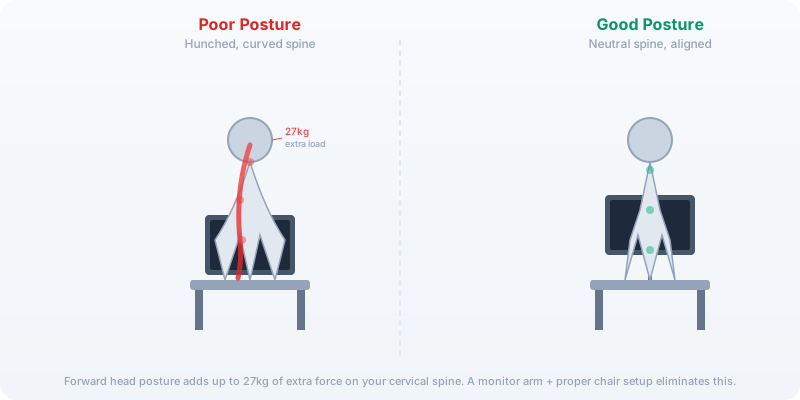
Why the Chair Matters More Than the Standing Desk
This might be controversial on a site about standing desks, but here's the ergonomic truth: the hierarchy goes chair > desk height > monitor position > everything else.
Here's why. You can convert any flat surface to standing height — a $30 laptop riser, a stack of books, a wall-mounted shelf. These are temporary solutions, but they work. You cannot hack a bad chair. If the seat pan is too short, your thighs go unsupported. If the lumbar curve hits the wrong spot, your lower back compensates all day in ways you won't notice until you're in pain. If the armrests are too low or non-adjustable, your shoulders creep up toward your ears. A bad chair does cumulative damage, and unlike a desk, you can't MacGyver your way around it.
In every budget tier above, the chair gets at least 25-30% of the total budget. In Tier 3, it's less — but only because the "used premium chair" strategy lets you get a $1,000+ chair for $150. If you're buying new, the chair should be 30-40% of your total spend. If you're spending $500, that means $150-200 on the chair. A $50 chair in a $500 setup is backwards math.
The Used Chair Strategy: How to Get a $1,000 Chair for Under $200
This is the single most valuable advice in this article. Office furniture depreciates like a luxury car — steeply and fast. When companies downsize, renovate, or go fully remote, they liquidate office furniture for pennies on the dollar. A Steelcase Leap V2 that cost $1,200 new goes for $200-300 used. A Herman Miller Aeron Size B sells for $300-500. These chairs are built for 24/7 commercial use over 10-15 years. Five years of corporate use barely breaks them in.
Where to Find Them
- Facebook Marketplace: The single best source. Search "Steelcase Leap," "Herman Miller Aeron," "Haworth Zody," or "ergonomic office chair." Check daily — good deals disappear within hours.
- Craigslist: More hit-or-miss, but office liquidation companies often post here.
- Office liquidation websites: National Office Interiors, Seating Mind, Madison Seating (refurbished). Prices are higher than Marketplace but chairs are cleaned, inspected, and sometimes warrantied.
- Local office furniture stores: Many have a "used" or "clearance" section. Walk in and sit in chairs — you'll often find gems.
The 5-Minute Used Chair Inspection
- Gas cylinder test: Sit in the chair. Pull the height lever. If the chair sinks slowly after you set it, the cylinder is failing. Replacement cylinders cost $30-60 and take 30 minutes to swap. It's fixable, but factor it into the price.
- Seat foam test: Press firmly on the seat pan. If you can feel the plastic base through the foam, it's flattened. Seat foam replacement is expensive ($150+) — pass on chairs with dead foam.
- Armrest check: Adjust the armrests in every direction they go. They should move smoothly and lock in place. Wobbly armrests are common — minor wobble is okay, major play is a sign of internal breakage.
- Backrest recline: Recline fully and check the tension adjustment. The chair should recline smoothly without grinding or sticking. If the tension knob spins freely without changing resistance, the mechanism is broken.
- Fabric condition: Mesh tears on Aerons are fixable but annoying. Stains on fabric Leap chairs are cosmetic unless they smell. Don't buy a chair that smells — mildew and cigarette smoke don't come out.
Brands to Hunt For
- Steelcase Leap V2: The gold standard for adjustability. Seat depth slider, 4D armrests, LiveBack spine-matching recline. $200-400 used. Best for: most body types, especially if you want adjustability.
- Herman Miller Aeron (Size B or C): Mesh everywhere — stays cool, no foam to flatten. PostureFit SL lumbar. $300-500 used for Size B (most common), $400-600 for Size C (rare, sought after). Best for: people who run hot, anyone 6'+ needs Size C.
- Haworth Zody: Often overlooked, excellent value. Asymmetrical lumbar adjustment, mesh back, 4D arms. $150-250 used. Best for: budget-conscious buyers who want proper ergonomics.
- Humanscale Freedom: Automatic recline mechanism (no tension knob — it responds to your body weight). Gel seat, mesh or leather back. $200-350 used. Best for: people who hate fiddling with adjustments.
Where You Should Actually Spend the Money
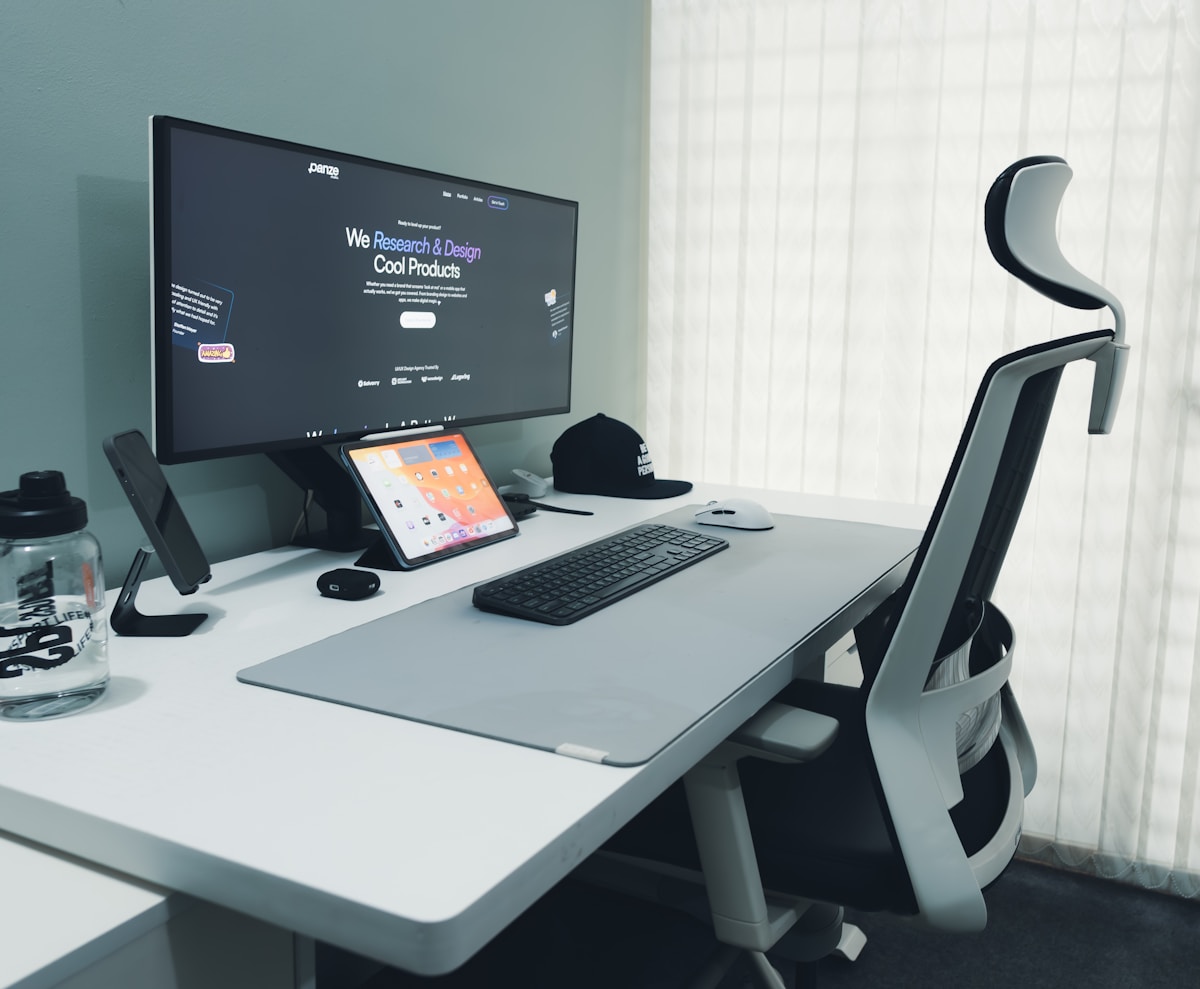
Based on years of building and rebuilding home offices, here's the priority order for a $500 budget:
- Chair (30-40%): $150-200. The thing that touches your body. If you get one thing right, get this.
- Desk (40-50%): $200-250. Standing desk if possible, fixed-height with a riser if not. Needs to fit your space and your body.
- Screen positioning (5-10%): $25-50. Monitor arm or riser. Your neck will thank you.
- Comfort accessories (10-15%): $30-75. Anti-fatigue mat, desk pad, footrest. Nice to have, buy after the core setup is working.
The single most common mistake: spending $300 on a desk and $60 on a chair. Don't do it. A $300 desk with a $60 chair will hurt you. A $200 desk with a $200 chair will support you.
What NOT to Buy for Your First Home Office
$80 "Gaming" Chairs
Gaming chairs at this price are ergonomic disasters. They're racing seat knockoffs with flat foam, no lumbar support (or a throw pillow strapped to the back), fixed armrests, and PU leather that peels within 18 months. They're designed to look like car seats, not support human spines. The Hbada E3 at $150 is dramatically better for the same general aesthetic.
RGB Lighting Strips
Fun, zero productivity value. Buy them later if you want ambient lighting. They should not come out of a $500 office budget.
Motorized Standing Desk Converters ($200+)
A motorized converter sits on top of your existing desk and raises your equipment to standing height. They cost $180-300 — almost as much as a full standing desk. They take up a huge portion of your desk surface, they're heavy (30-50 lbs), and they create a two-tier wobble (the converter wobbles, and the desk underneath wobbles). For the same money, get a full standing desk or a $30 static laptop riser. Converters are the worst value in ergonomics.
Cheap Monitor Arms (Under $25)
A monitor arm that can't hold your monitor is worse than no monitor arm — the monitor slowly droops, you're constantly readjusting, and you eventually just prop it up with a book. The VIVO gas-spring arm at $30-35 is the minimum viable monitor arm. Below $25, the gas springs are replaced with friction joints that wear out fast.
"Executive" Chairs from Big-Box Stores
You know the ones — bonded leather, massive cushioned armrests, "massage" lumbar pillow that connects via USB. They look substantial but offer zero ergonomic adjustment. The armrests are fixed (too low for most, too high for some). The lumbar support is a pillow strapped to the back — it slides down within 20 minutes. The bonded leather cracks and peels after 12-18 months. A $90 mesh chair from Amazon Basics is a better ergonomic chair than a $150 "executive" chair from Office Depot.
What to Upgrade First When You Have Another $200
Once your basic setup is running and you have some extra cash, here's where to put it:
- Better chair (if you went with Tier 1): The single biggest quality-of-life upgrade. Go used Steelcase or new in the $250-350 range.
- Standing desk (if you went fixed): Add the Fezibo or FlexiSpot E2 Pro. Keep your fixed desk as a secondary surface or sell it.
- Monitor light bar: A $30-40 light bar (BenQ ScreenBar or budget equivalent) is surprisingly transformative for eye strain and desk clutter. Way better than a desk lamp.
- Better anti-fatigue mat: The Ergodriven Topo at $99 is a genuine upgrade if you stand for long periods. Read our standing desk mat guide.
- Under-desk cable management tray: If your desk didn't come with one, a $20-30 clamp-on tray cleans up the visual noise dramatically.
Home Office Setup FAQ
Can I really get a standing desk and a decent chair under $500?
Yes — Tier 2 above does exactly that. The Fezibo standing desk (~$200) and Hbada E3 chair (~$150) leave $150 for a monitor arm, mat, and accessories. It's a complete, functional setup. The chair isn't a Steelcase and the desk isn't dual-motor, but both are genuinely good at their price points.
Should I buy a standing desk converter instead of a full desk?
Almost never. A motorized converter costs $180-300 and sits on your existing desk. It eats 30-50% of your desk surface, wobbles on top of whatever surface it's sitting on, and costs nearly as much as a full standing desk. If your current desk is the right height sitting down, a $30 static laptop riser gives you standing capability for 10% of the cost. If you want sit-stand, buy a full standing desk.
Are used ergonomic chairs worth the risk?
Yes — with the inspection checklist above. A used Steelcase Leap V2 at $250 is a dramatically better chair than anything new under $500. The risk is low if you check the gas cylinder, foam, and adjustments before buying. The biggest "risk" is inconvenience — you have to drive somewhere and inspect it, rather than unboxing a new chair with a warranty.
What's the minimum desk size for dual monitors?
48" wide is the minimum for dual 24" monitors side-by-side. 55" is the minimum for dual 27". If you go 48" and need dual 27", you'll either need a monitor arm that lets you angle the monitors slightly, or accept that the monitors will hang off the edges. The VIVO 55" in Tier 2 Alternative or the Fezibo 55" gives you that extra width.
Do I need an anti-fatigue mat right away?
Not on day one. If your budget is tight, get the desk, chair, and screen positioning right first. You can stand on carpet or in supportive shoes for 15-20 minute intervals without a mat. A mat becomes important when you regularly stand for 30+ minutes. The Gorilla Grip at $37 is a good first accessory purchase — cheap relative to its impact.
The Bottom Line
Best overall $500 setup: Tier 2 — Fezibo desk + Hbada chair + VIVO arm + Gorilla Grip mat. $480 all-in. Everything is new, everything arrives in boxes, everything works together. No hunting for used furniture required. For most people building their first home office, this is the answer.
Best desk-focused setup: Tier 3 — FlexiSpot E2 Pro + used premium chair. The E2 Pro's dual-motor stability is a genuine upgrade, and a used Steelcase Leap or Aeron at $150-200 is a better chair than anything new under $500. This route takes more effort but produces a better long-term setup.
The one area to splurge: The chair. Always the chair. An extra $50-100 in the chair budget pays off in comfort every single day. An extra $50-100 in the desk budget gets you dual motors and a USB port — nice, but not body-changing.
When $500 isn't enough: If you need dual monitors, a printer, a dedicated webcam, and a premium chair, $500 won't stretch that far. Be realistic about your needs. This guide covers the core ergonomic setup — desk, chair, screen positioning, basic comfort. If you need more equipment, consider phasing your purchases: core setup now, peripherals next month.
Prices checked: April 2026. All prices based on Amazon, IKEA, and manufacturer listings at time of writing. Used chair prices are market averages and vary by location and availability. Affiliate links support ErgoFoundry — FlexiSpot direct links earn 12% commission; Amazon links earn standard Associates rates.